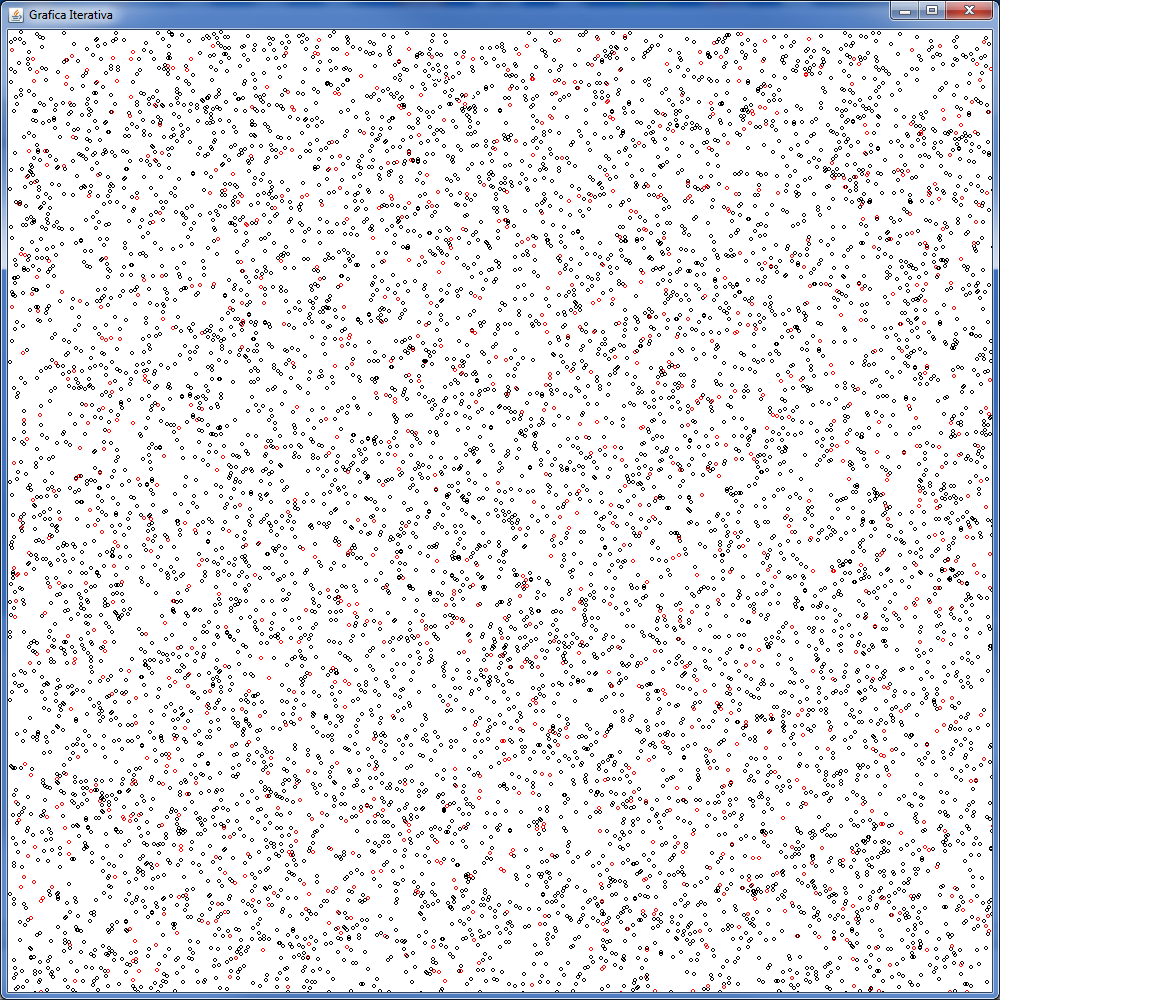
Come disegnare cerchi casuali nel grano?
Ecco il programma che disegna cerchi casuali sullo schermo con il linguaggio JAVA
package disegno;
import java.awt.;
import javax.swing.;
public class Tela extends JPanel{
public void paintComponent(Graphics g)
{
super.paintComponent(g);
this.setBackground(Color.WHITE);
g.setColor(Color.BLACK);
DisegnaCerchiA_Caso(3,10000,g);
}
public void DisegnaCerchiA_Caso(int raggio,int numeroCerchi,Graphics g)
{ int x,y;
int numero=0;
while(numeroCerchi>0)
{
x=(int)(Math.random()1000);
y=(int)(Math.random()1000);
g.setColor(Color.BLACK);
if (IsPrime(numero)==1)
{ g.setColor(Color.RED);
g.drawOval(x, y, raggio, raggio);
}
else
{
g.drawOval(x, y, raggio, raggio);
}
numero++;
numeroCerchi–;
}
}
public int IsPrime (int n)
{ int primo=1;
int fattore=2;
boolean exit=false;
if (n==1)
{exit=true;
primo=0;}
while(fattore<=n/2 && !exit)
{
if (n%fattore==0)
{ primo=0;
exit=true;
}
fattore ++;
}
return primo;
}
}
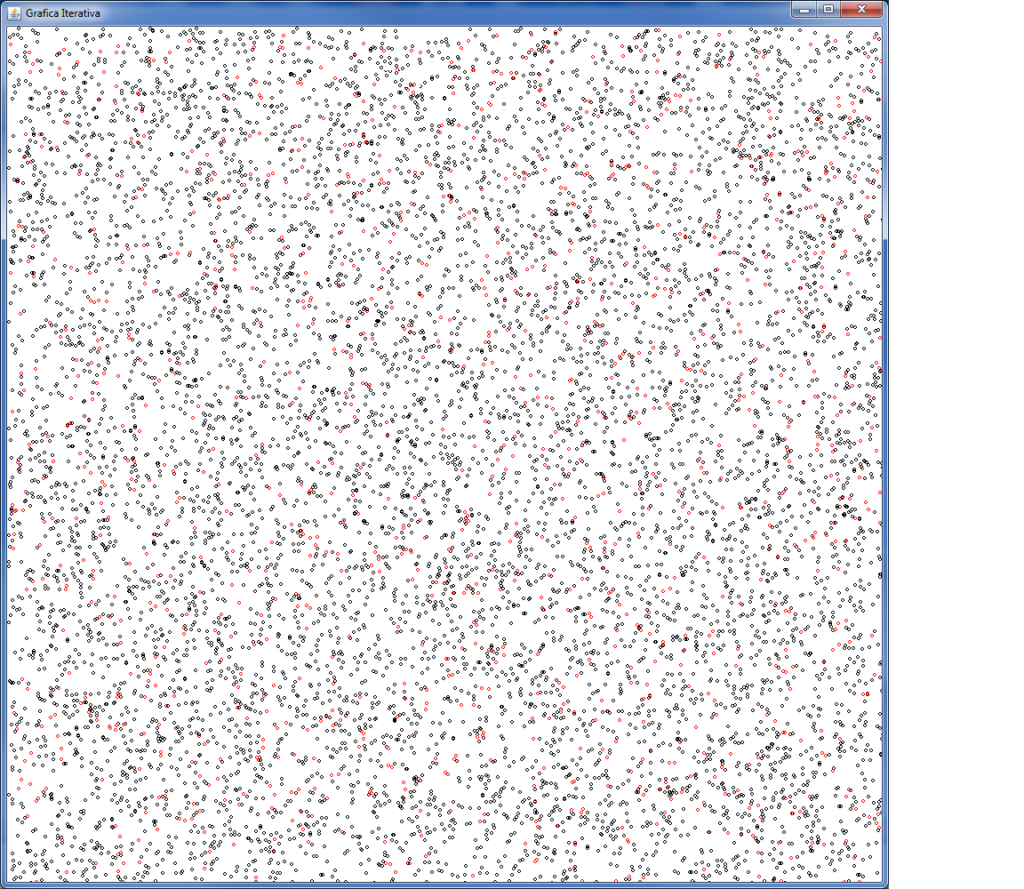
ecco il risultato. In rosso ho evidenziato i numeri primi. Rari tra 0 e 10000.
ecco il file dove trovi il main:
package disegno;
import javax.swing.*;
public class Disegno {
public static void main(String[] args) {
JFrame t= new JFrame(“Grafica Iterativa”);
t.setDefaultCloseOperation(JFrame.EXIT_ON_CLOSE);
Tela p = new Tela();
t.add(p);
t.setSize(1000, 1000);
t.setVisible(true);
}
}
Per metteere in funzione il codice segui il seguente video
Studio Assistito con l'Intelligenza Artificiale
Vuoi padroneggiare al meglio i concetti di questo articolo? Avvia lo studio assistito per generare riassunti automatici, mappe concettuali o farti interrogare con il metodo socratico.